

Activity tracker · 60 sports
Record everything. Even with the screen off.
Running, cycling, walking, open-water swimming, skiing: GPS, heart rate and Bluetooth sensors on the phone you already own. Put the phone in your pocket: the tracker keeps recording and talks to you in your headphones.
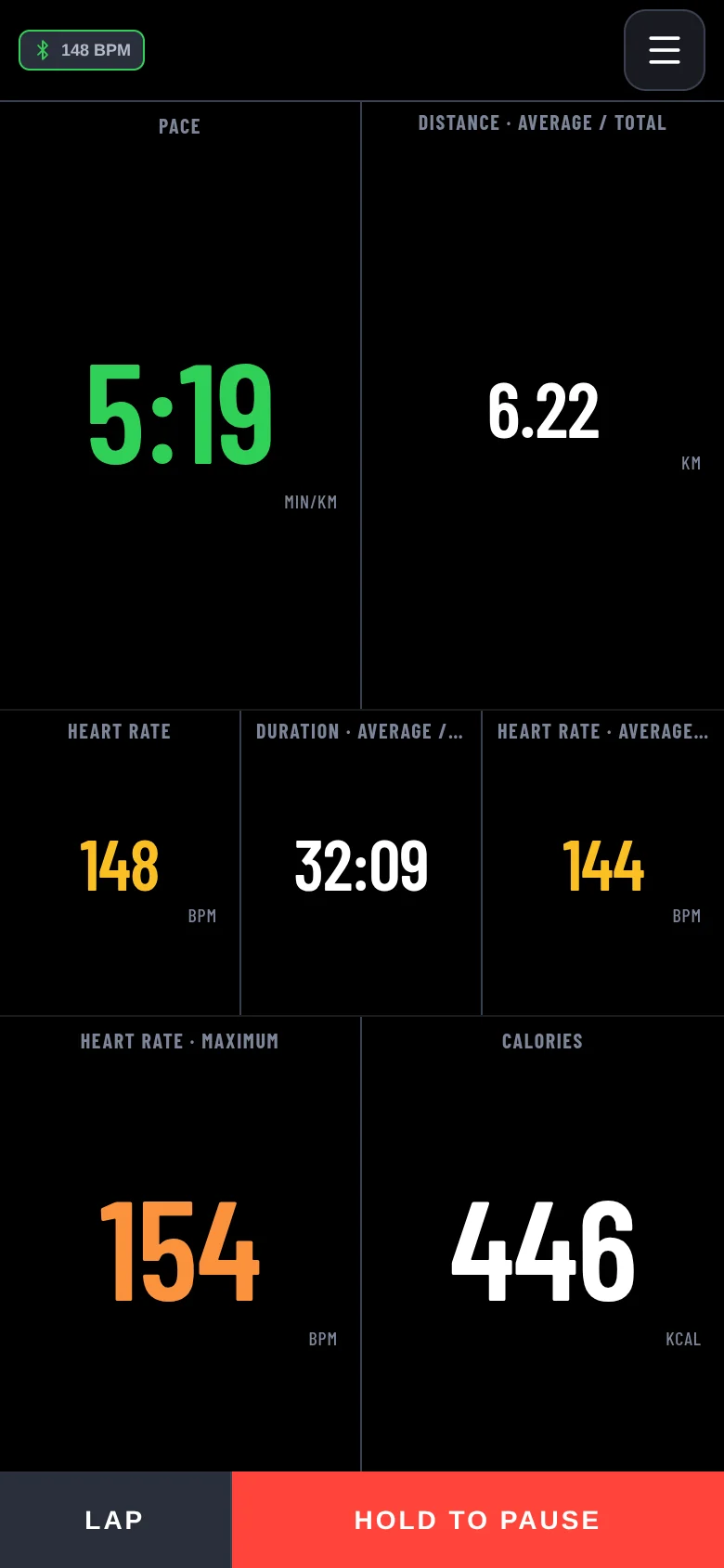
In your pocket
The screen goes dark, the recording doesn't
The tracker doesn't need to stay lit in front of you. GPS and sensors keep working with the screen locked, and what you need to know, a voice tells you.
Laps read in your ear
Every kilometre, or every few minutes: the lap's time, pace, heart rate and distance, read out loud. No need to pull the phone out.
Your music keeps playing
When it speaks, the tracker lowers your music or podcast for a moment, then lets it carry on.
Heart rate over the limit
If you switch it on, a notification warns you when you go above 95% of your maximum heart rate.
Spoken directions
On a GPX route it tells you where to turn before the junction, and warns you if you leave the track.
Dashboard
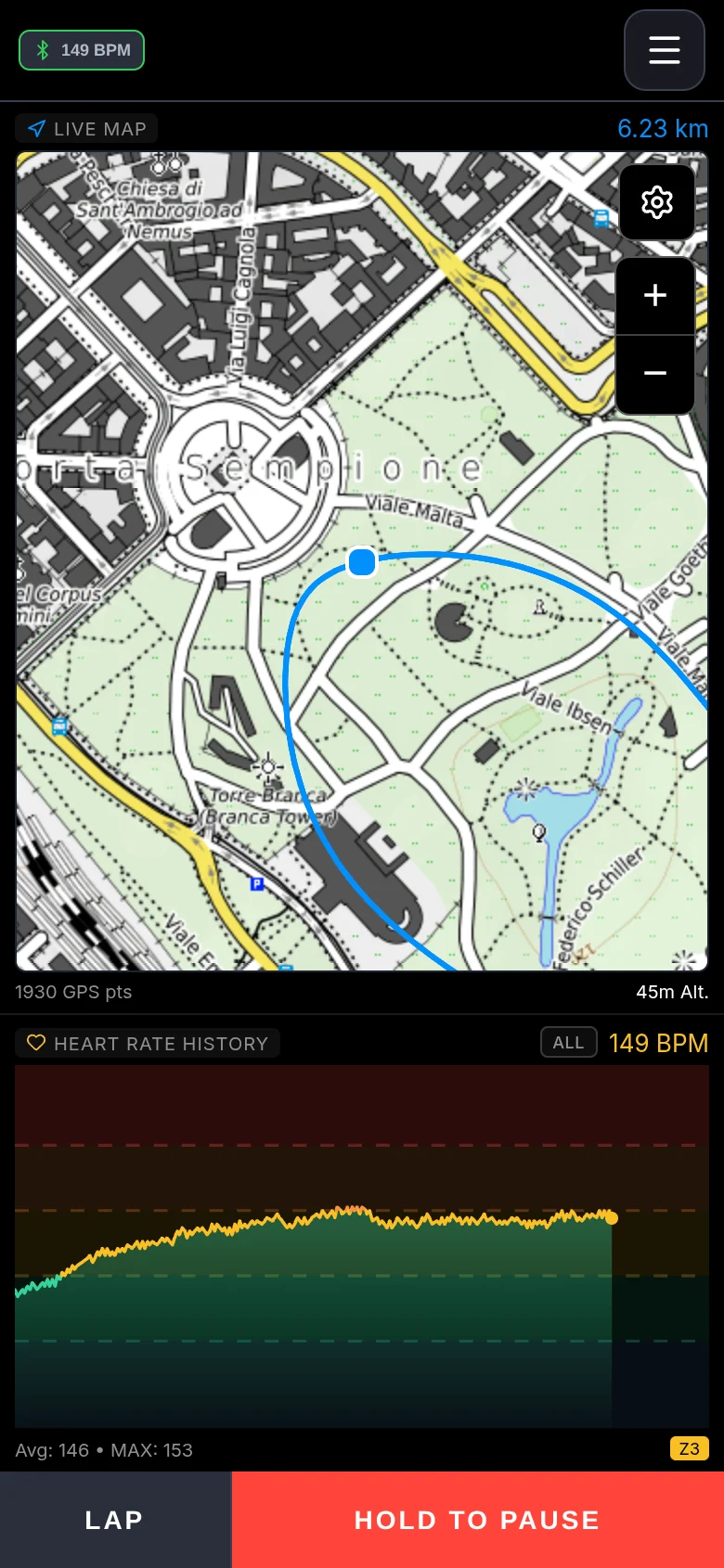
The right numbers for your sport
Every sport starts with its own pages: pace and distance for running, power and gradient for cycling, altitude and climbing for hikes. Big numbers, coloured by your zones, readable at a glance.
- More than 40 metrics to choose from, cell by cell
- Heart rate and power cells change colour with the zone
- Auto-pause at lights and stops
- Pause with a long press: no accidental stops
- Places: the spot where you press LAP stays in the app, and for each sport you choose which places close a lap
- Altitude is above sea level, not the raw GPS height, which can be off by tens of metres
- Build the first page for free, more pages with the Lite plan
Navigation
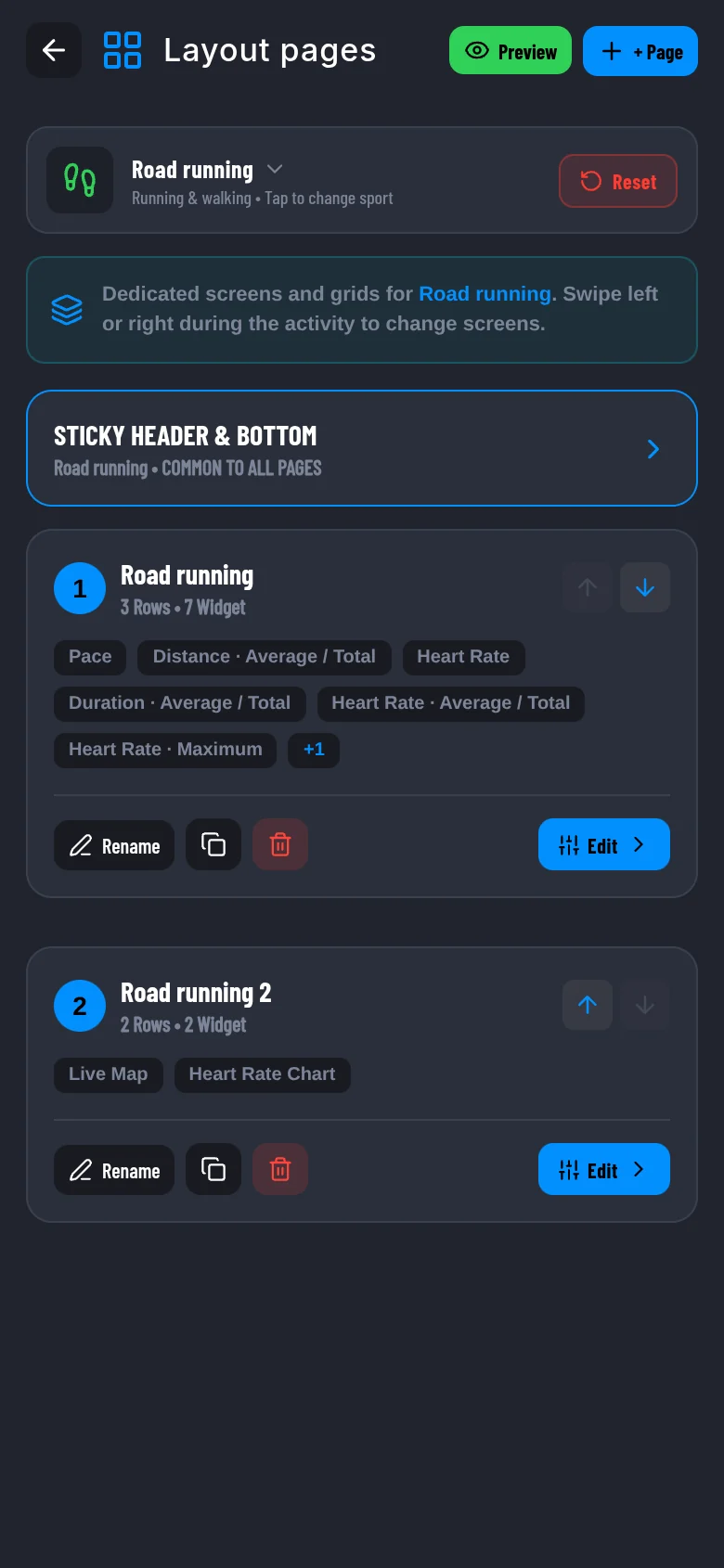
Follow the route without staring at it
Import a GPX track and go. The turn banner tells you where to turn and how far it is, the voice repeats it in your ear, and the elevation profile shows what's coming.
- Turn-by-turn directions, on screen and spoken
- Off-route warning; with online navigation the route is recalculated
- Climbs on the route with colour-coded gradient and metres to the top
- Apple, OpenStreetMap, topographic and satellite maps, free; with Pro also Thunderforest, Mapbox and the 3D live map
- The cockpit weather is computed on the phone from one forecast downloaded at the start: wind changes as you climb or descend
- With a route loaded you see temperature, wind and rain at the point and the hour you will get there
Places and segments
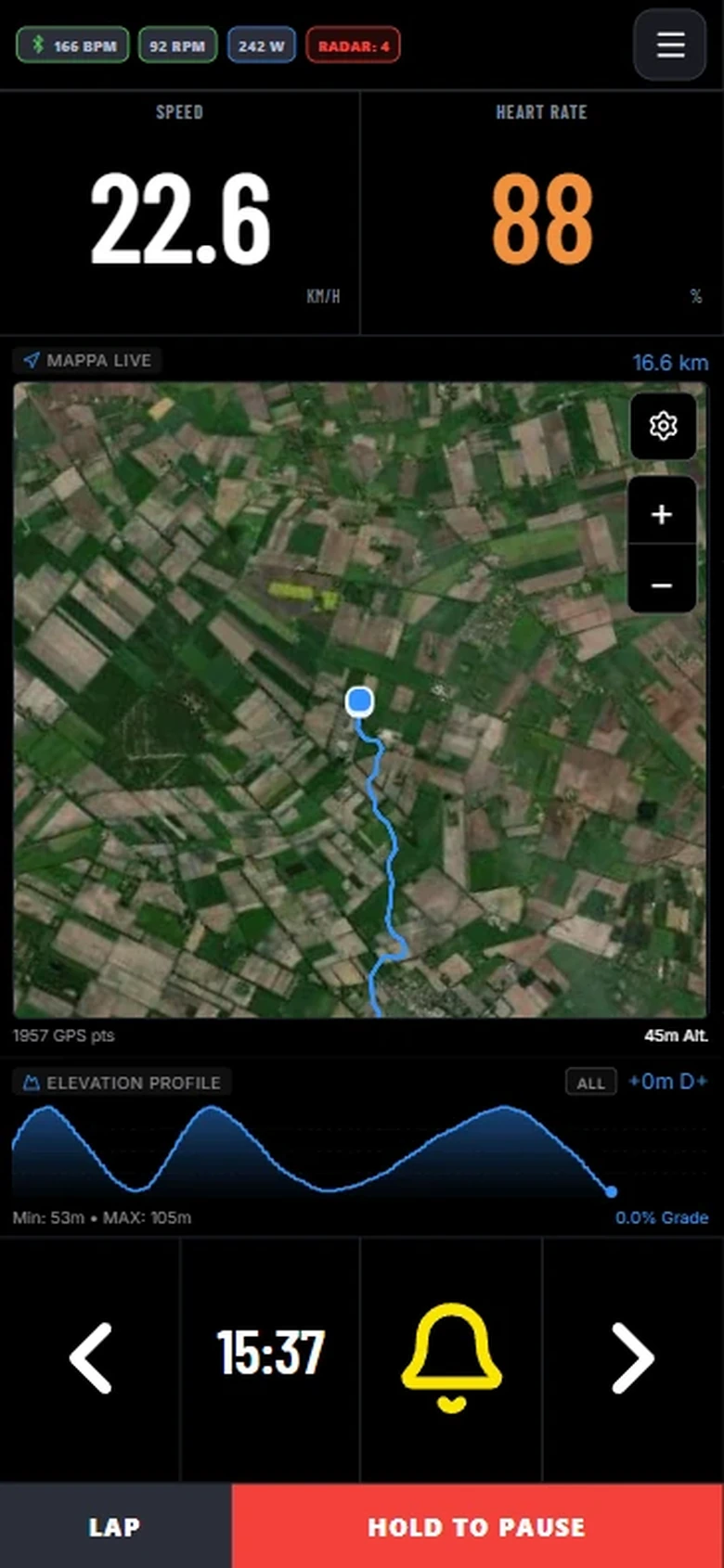
A saved point becomes a lap, a segment, a button
Every LAP and every LOC you press on a ride stays in the app as a place. Give it a name, a radius and a direction, then use it to close a lap on its own, as the start and end of a segment of yours, or to trigger an automation when you get there.
- Auto lap by sport: choose which places close a lap when you run or ride
- Segments between your places, with stops along the way and closed loops
- Your personal ranking: every pass, your record, how far you are from your PR
- A climb found in a ride is saved with its profile; next time the cockpit shows ClimbPro even without a route
- Create places from the map or from an activity's track, not while you are recording
Sensors
The sensor you already have works
Standard Bluetooth, not the right brand: switch the sensor on, pair it once and the data arrives live.
- Heart rate straps, and watches that broadcast heart rate like a strap
- Power meters, speed and cadence sensors
- Smart trainers (FTMS) and rear radars for the bike; the radar can alert you with a sound, which you can switch off for each bike profile
- Foot pods for running; on a treadmill without a foot pod the distance is estimated from the blocks, and at the end you correct it with the display's
Structured workouts
Intervals, block by block
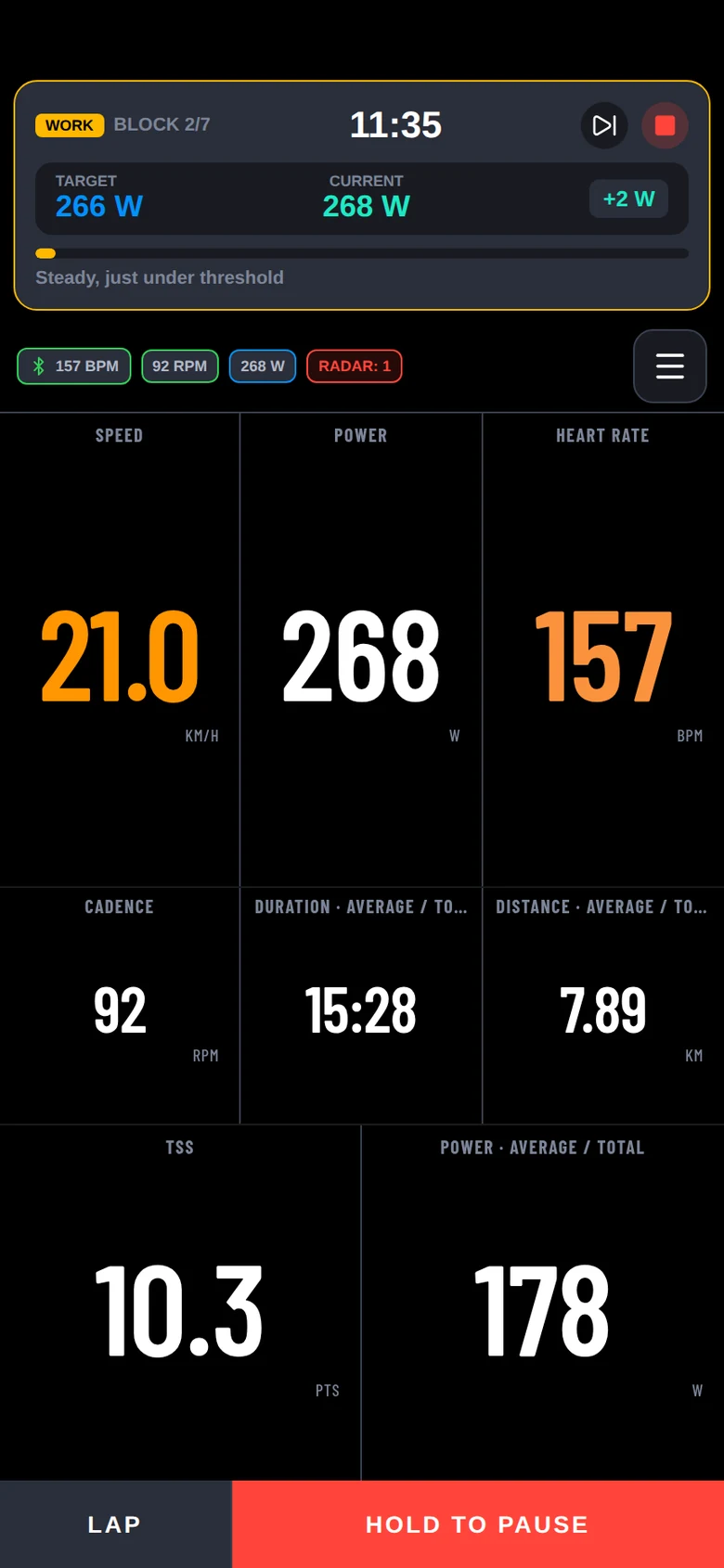
You follow the session with the block's target in front of you: power, heart rate, cadence, pace or speed, the time left and the next step. It works for running, cycling, cross-country skiing and the other sports, except strength, which has its gym routines. Write the sessions yourself or let the Coach suggest them.
- Targets in watts, % FTP, heart rate, cadence, pace or speed
- A gauge that tells you if you're inside the block's zone
- A voice says "speed up" or "slow down" when you leave the pace range
- After the session you see how long you spent in the target on each repeat, with a verdict and a summary of the repeats; time in zones is compared with the planned session
- In Pre-workout, a summary of today's session: the blocks with dose and target, this morning's readiness, the expected heat and the last 7 days of load; the phone computes it, with no credits used
- .zwo export to ride the session on Zwift too
After
The moment you stop, the numbers are ready
Summary, laps, time in zones and the session's load, which joins the same fitness curve as your gym work and other sports. The Coach reads it together with everything else.
- Load from power or heart rate (TSS or hrTSS) for every activity
- Upload activities to Strava and Intervals.icu, as FIT files
- Apple Health and Health Connect, where available
- GPX and FIT export whenever you like
- Tap a chart to read the values, zoom down to a single second; then replay the ride in 3D up to 300 times faster
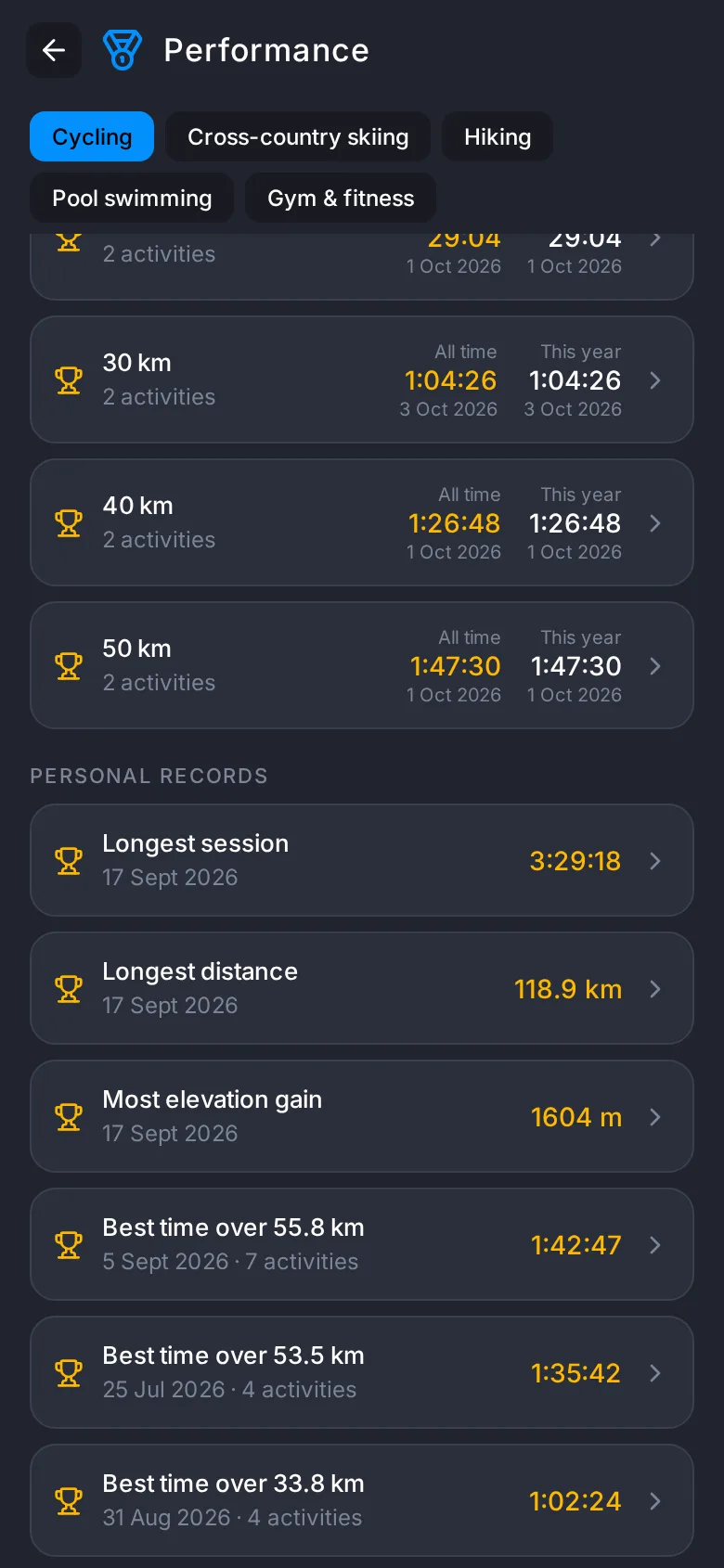
- Performance: records per sport, best efforts over standard distances and FTP
- Analysis › Intensity: a chip for every endurance sport, with the split between easy, moderate and hard and the volume of the last 4 weeks; for sports without power, from the heart rate zones the activity recorded
- In Analysis › Trends you compare HRV and resting heart rate the morning after your hardest days with the morning after easy or rest days; it shows a difference only when there is enough data, and it is an observation, not a verdict on a session
- Weekly summary: last week against the four before, with records and recovery, in Home and Analytics; an optional notification on the first day of the week
- On Home, the "Today" card puts the day's session, rest day or race on top, with "Start" for bike sessions with a prescription and for the gym
- A twelve-week grid of squares shows what you did and what is planned; you choose which sections stay on Home and in what order
Automations
A button for what happens around your session
Add a button to the cockpit that does something outside the app when you hold it: switch on the lights at home, open the garage, tell someone you're on your way. It is included in the Lite and Pro plans.
- Hold the button to run it: no accidental taps while you move
- Sends a request to an address you choose, such as Home Assistant, IFTTT or Make; the address stays on your phone
- On iPhone it can run a shortcut from the Shortcuts app, and a helper shortcut that you create once lets you pick it from your list
- On Android it can start a Tasker task or an Automate flow
- It can also start by itself when you reach a place or leave it, with a radius from 20 m: for example, switch on the garage lights when you get home
Questions
Can I keep my phone in my pocket while I run?
Yes. The tracker records with the screen locked and reads your laps in your headphones: time, pace, heart rate and distance. You look at the phone only when you want to.
Do I need a watch or a bike computer?
No. Your phone does the GPS and the maths. For heart rate, a Bluetooth strap is enough, or a watch that broadcasts it like a strap.
Does it work without a connection?
Recording does: GPS and sensors don't need the internet, and the data stays on your phone. You need a connection to load maps and for the Coach.
Which sports can I record?
Sixty profiles, from running to padel: they are all on the Sports page.
Try the tracker on your next session.
Free, no card. Your data stays on your phone.